AMS Data Migration Planning
Data migration is an important step in implementing an Association Management Software (AMS). This process ensures that your organization’s historical and operational data are accurately transferred to the new system, creating a strong foundation for its functionality. Clean, well-organized data not only supports efficient workflows but also enhances decision-making and member engagement.
Why Data Migration Matters
Migrating data goes beyond just transferring records; it’s about ensuring the information is accurate, accessible and aligned with your association’s needs. Proper data migration enables your AMS to deliver actionable insights, streamline operations and support key organizational goals. Neglecting this could lead to data inconsistencies or inefficiencies, hampering the system’s potential.

Step 1: Identifying Data to Migrate
Essential Data Types
When planning your migration, focus on the key data categories that support your association’s operations. Common data types include:
- Documents and Resources: Contracts, meeting minutes, archived newsletters and member files.
- Membership Data: Member profiles, contact details, membership status and join/renewal dates.
- Event Data: Event histories, registrations and attendance records.
- Financial Data: Payment histories, invoices, dues and donations.
- Communication Records: Email lists, newsletter subscriptions and communication logs.
- Engagement Metrics: Volunteer hours, participation in forums and training progress.
Archiving vs. Migrating
Not all data needs to be transferred to the new AMS. Decide what to migrate and what to archive by assessing:
- Relevance: Is the data critical to current operations?
- Frequency of Use: How often is the data accessed by staff or members?
- Legal or Compliance Requirements: Are there retention policies or regulations that mandate keeping specific records?
Archiving older or rarely used data can help streamline the AMS, reduce migration time and maintain system performance while ensuring compliance.
Step 2: Preparing Data for Migration
Proper preparation is the foundation of a successful data migration process. By cleaning, organizing and mapping your data, you ensure a seamless transition to the new AMS and minimize disruptions.
Data Cleanup
Cleaning your data is essential for accuracy and efficiency in the new system. Focus on:
- Removing Duplicates: Eliminate duplicate records to reduce clutter and avoid confusion.
- Standardizing Formats: Align formats for names, addresses, phone numbers and other fields to ensure consistency.
- Correcting Errors: Address inaccuracies, such as incorrect email addresses or incomplete records, to maintain data integrity.
Consider using data cleanup tools or software to automate parts of the process, saving time and ensuring thoroughness.
Need help tackling messy data?
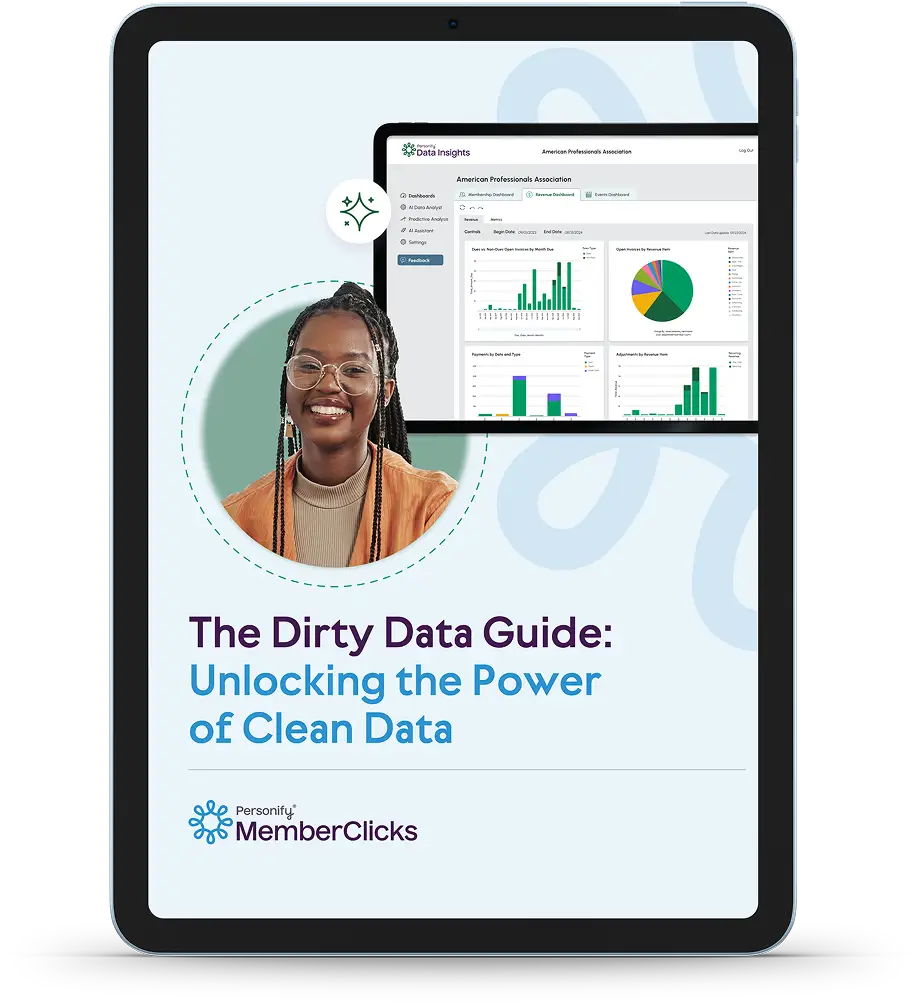
Discover actionable strategies for cleaning and maintaining high-quality data with The Dirty Data Guide. This resource offers:
- Step-by-step instructions for identifying and resolving data issues.
- Proven methods for keeping your database clean and reliable.
- Insights into how clean data enhances the functionality of your AMS.
Plus, get an actionable checklist to help your team implement data hygiene best practices.
Mapping Data Fields
Mapping involves aligning data fields in your current system with those in the new AMS. This ensures that information is transferred correctly and remains accessible. Key points to address:
- Review the structure of your legacy system and the AMS to identify field compatibility.
- Work with your vendor to create a data mapping template that guides the process.
- Confirm field names and formats align between the systems to avoid errors.
Ensuring Data Privacy and Compliance
Data privacy is paramount during migration. Make sure and protect sensitive information and comply with legal regulations, such as:
- GDPR: Ensure data handling practices meet EU privacy standards.
- CCPA: Protect personal information for residents of California.
- Implement secure transfer protocols and encryption to safeguard member data during migration.
Collaboration with your vendor can simplify compliance by providing tools and expertise tailored to regulatory requirements.
Step 3: Working with Your Vendor
The role of your AMS vendor is crucial during data migration. Their expertise ensures that your data transfer is accurate, efficient and aligned with the system’s functionality. Collaboration and clear communication with your vendor will help address potential challenges before they become issues.
Data Import Tools
Modern AMS platforms often use automated tools or scripts for importing large datasets. These tools:
- Reduce manual work, saving time for your team.
- Minimize the risk of human error during data entry.
- Enable faster processing, so your AMS is ready to use sooner.
Vendor Support in Data Migration
Vendors like MemberClicks provide valuable support during data migration by offering:
- Templates and Tools: Ready-to-use templates simplify the mapping of data fields, reducing manual effort.
- Guidance on Best Practices: Expert advice ensures your data is organized and formatted to work seamlessly in the new system.
- Technical Assistance: Vendors can troubleshoot issues during the migration process, ensuring the integrity of your data.
Collaborating with your vendor from the outset minimizes errors and speeds up the migration process.
Step 4: Testing and Validating the Migration
Testing and validating the data migration is another important step in ensuring the integrity and usability of your data in the new AMS. This phase provides the opportunity to catch and resolve issues before the system goes live.
Testing the Data Migration
Before launching the AMS, it’s essential to conduct thorough tests in a sandbox environment. This testing phase allows your team to simulate real-world scenarios and verify that the system operates as expected. Key testing activities include:
- Verifying Member Records: Check that member profiles, contact information and historical data have migrated accurately.
- Running Reports: Test commonly used reports, such as membership trends or event participation, to ensure data accuracy.
- Simulating Transactions: Process tasks like event registrations, membership renewals or payment collections to confirm functionality.
Validating Migrated Data
After testing, validate the accuracy and completeness of the migrated data. This process involves:
- Sampling Records: Review a selection of records to identify any discrepancies or missing information.
- Comparing Data: Cross-check key metrics, such as total memberships or financial totals, between the legacy system and the new AMS.
- Staff Review: Involve key team members in reviewing specific data sets to ensure everything aligns with their operational needs.
Troubleshooting Issues
It’s common to encounter some challenges during testing and validation. Typical issues include missing fields, incorrect mappings or incomplete data. Address these by:
- Logging and categorizing issues in a centralized document for resolution tracking.
- Collaborating with your vendor to troubleshoot and resolve problems efficiently.
- Retesting the corrected data to ensure all issues are resolved.
Step 5: Post-Migration Tasks
Once data migration is complete, your focus shifts to ensuring the data is usable and accessible in the new AMS. Post-migration tasks are critical for setting your organization up for success. By prioritizing post-migration tasks, your organization can fully capitalize on the AMS’s.
Staff Training on Migrated Data
Training staff on how to access and use the migrated data is essential for seamless operations. Focus on:
- Understanding the New Data Structure: Familiarize staff with how data is organized within the AMS.
- Navigating Member Records: Ensure staff can quickly find and update member profiles.
- Using Reporting Tools: Train staff to generate reports using the migrated data, highlighting new features that improve efficiency
Establishing Data Maintenance Practices
Maintaining clean data is an ongoing effort that prevents future challenges. Implement practices such as:
- Regular Cleanups: Schedule periodic reviews to remove duplicates, correct inaccuracies and update outdated records.
- Standardized Entry Protocols: Create guidelines for consistent data entry across departments, reducing errors and inconsistencies.
- Routine Audits: Conduct audits to identify gaps or anomalies in the data and address them promptly.
Encouraging Data-Driven Decision-Making
Empower staff to use the AMS’s robust data tools to make informed decisions. Demonstrate how to:
- Leverage analytics dashboards to track key performance metrics.
- Use member engagement data to refine communication strategies.
- Apply financial insights to optimize budgeting and forecasting.
Conclusion and Next Steps
Recap of Data Migration Best Practices
Successfully migrating your data into a new AMS is critical for achieving operational excellence and member engagement. This process ensures that your association’s historical and operational data is accurately transferred, setting the stage for a seamless transition and improved functionality. Beyond the technical aspects, a well-executed migration can elevate your organization’s ability to deliver personalized member experiences, make informed decisions and streamline daily operations.
Key practices to remember include:
- Identifying Essential Data: Prioritize the data that directly supports your association’s goals while archiving or cleaning up less relevant information.
- Preparing and Validating Data: Clean and organize your data to ensure accuracy and compliance before migration.
- Collaborating with Your Vendor: Leverage vendor expertise to simplify the migration process and address challenges effectively.
- Testing and Validating Post-Migration: Conduct thorough testing to identify and resolve issues before fully adopting the new system.
These steps lay the foundation for a successful AMS implementation and empower your organization to harness the full potential of its data.
Looking Ahead
Data migration is just the beginning of your AMS journey. To maximize the value of your new system:
- Focus on Data Maintenance: Regularly clean and audit your data to ensure long-term accuracy and reliability.
- Empower Data-Driven Decisions: Utilize the AMS’s reporting and analytics tools to gain actionable insights and refine your strategies.
- Continue Staff Training: Provide ongoing education to staff, ensuring they remain confident and capable in using the AMS.
By taking a proactive approach to data management, your organization will be well-positioned to drive engagement, optimize operations and achieve its strategic goals.

Discover the difference a true software partner can make
Book a call with our team today and discover how MemberClicks can help you achieve your goals and build meaningful relationships with your members.
Schedule a call







 Need Help?